

Tutorials

B2Metric CDP: How to Analyze User Journeys and Session Replay Tutorial

Emincan Tetik

Ever wondered why users leave your website without converting?

Your analytics dashboard can tell you that 34% of users dropped off at the checkout step. What it can't tell you is what they actually experienced in those final seconds — the rage click on a button that didn't respond, the form field that errored silently, the scroll that stopped at a confusing UI element.

Data tells you what happened. Session Replay tells you why.

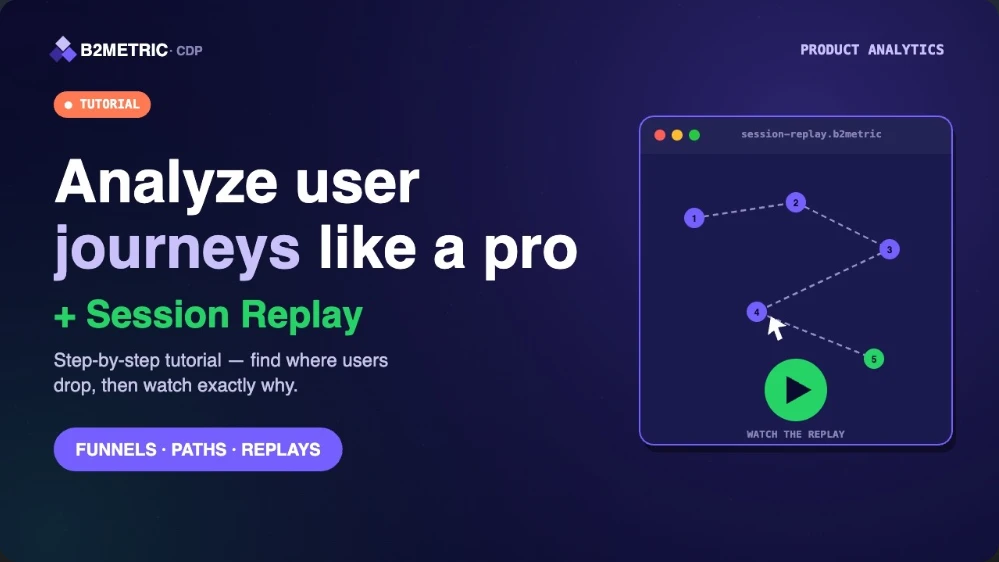
In this tutorial, we walk through how to use B2Metric's Session Replay to visualize real user journeys, surface friction points you'd never find in aggregate data, and diagnose errors before they cost you more conversions.


What You'll Learn

0:00 — Introduction to Session Replay — what it is, how it works, and why it changes the way product and UX teams think about optimization.

1:40 — Advanced Filtering (User ID, Device, Region) — how to narrow down sessions to exactly the user segment you want to investigate, without wading through thousands of irrelevant recordings.

2:18 — User Session Cards — reading the session summary view to quickly identify which recordings are worth watching in full.

2:40 — Filtering Options — combining filters to isolate specific behaviors: rage clicks, error events, sessions from a specific device type or geography.

Key Features Highlighted

Filter sessions by specific User IDs or Device Types — isolate a single user's journey or compare behavior across mobile vs. desktop in seconds.

Watch real-time user interactions — clicks, scrolls, and rage clicks visualized exactly as the user experienced them.

Detect and diagnose errors instantly — see JavaScript errors, broken interactions, and failed form submissions in context, not just in a log file.

Who This Is For

Product managers trying to understand why a feature isn't converting. UX designers looking for evidence before a redesign. Growth teams debugging a funnel drop they can see in the data but can't explain. If you work on the customer experience side of a digital product, Session Replay is the tool that closes the gap between metrics and reality.

Ever wondered why users leave your website without converting?

Your analytics dashboard can tell you that 34% of users dropped off at the checkout step. What it can't tell you is what they actually experienced in those final seconds — the rage click on a button that didn't respond, the form field that errored silently, the scroll that stopped at a confusing UI element.

Data tells you what happened. Session Replay tells you why.

In this tutorial, we walk through how to use B2Metric's Session Replay to visualize real user journeys, surface friction points you'd never find in aggregate data, and diagnose errors before they cost you more conversions.


What You'll Learn

0:00 — Introduction to Session Replay — what it is, how it works, and why it changes the way product and UX teams think about optimization.

1:40 — Advanced Filtering (User ID, Device, Region) — how to narrow down sessions to exactly the user segment you want to investigate, without wading through thousands of irrelevant recordings.

2:18 — User Session Cards — reading the session summary view to quickly identify which recordings are worth watching in full.

2:40 — Filtering Options — combining filters to isolate specific behaviors: rage clicks, error events, sessions from a specific device type or geography.

Key Features Highlighted

Filter sessions by specific User IDs or Device Types — isolate a single user's journey or compare behavior across mobile vs. desktop in seconds.

Watch real-time user interactions — clicks, scrolls, and rage clicks visualized exactly as the user experienced them.

Detect and diagnose errors instantly — see JavaScript errors, broken interactions, and failed form submissions in context, not just in a log file.

Who This Is For

Product managers trying to understand why a feature isn't converting. UX designers looking for evidence before a redesign. Growth teams debugging a funnel drop they can see in the data but can't explain. If you work on the customer experience side of a digital product, Session Replay is the tool that closes the gap between metrics and reality.
Related Blogs